Game Project | Urban Treasure Hunt (City Hunter)
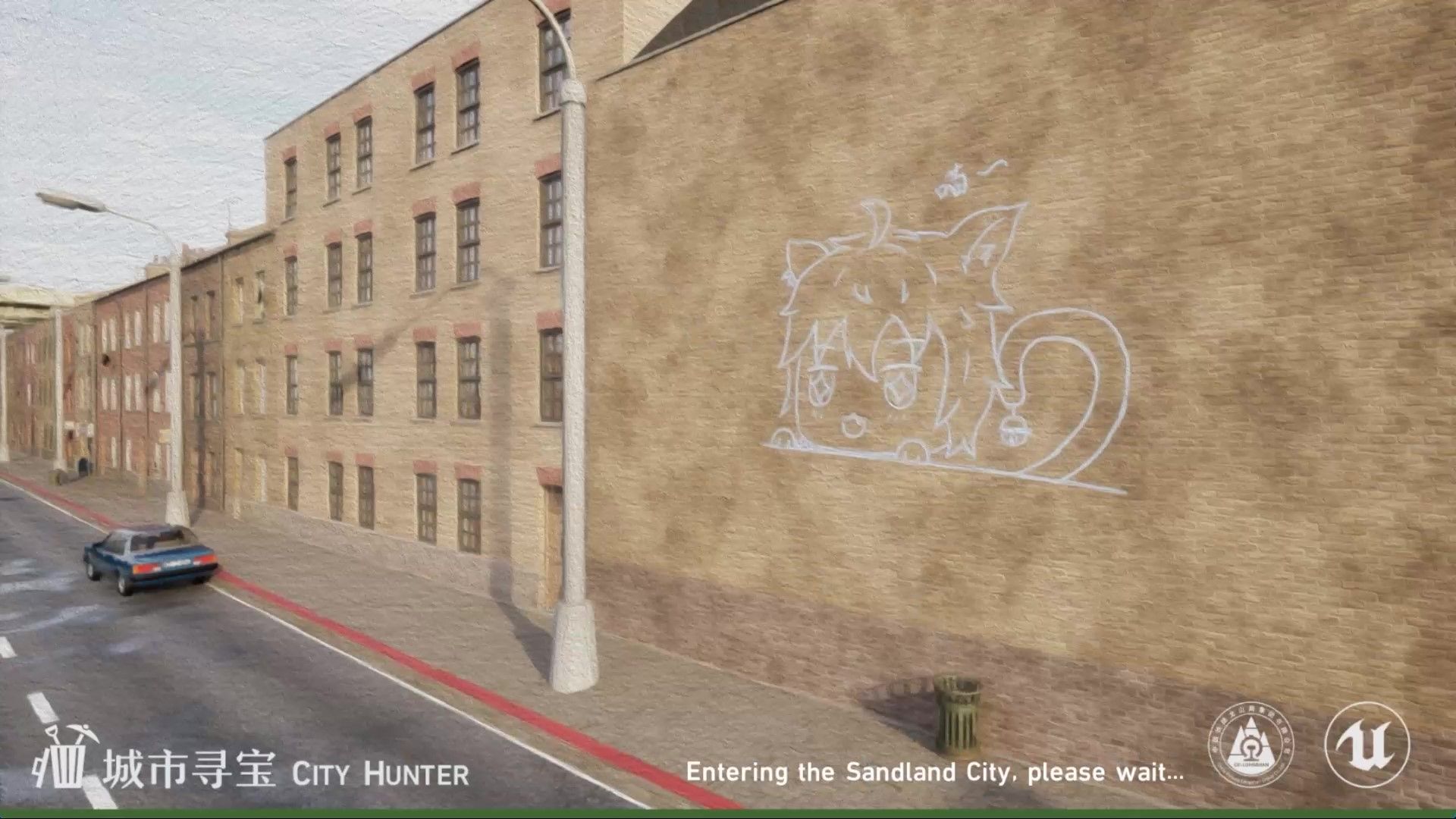
City Hunter tells the story of the player, as a young man who first arrived in Sandland City, under the guidance of Uncle Ben at the garbage recycling station, he began to search for repairable waste in the city, and then completed the repair and sold it. As the business continues to expand, players also need to constantly purchase new tools, try new methods, or enter new places to explore treasures that can turn waste into treasure.
Game Background
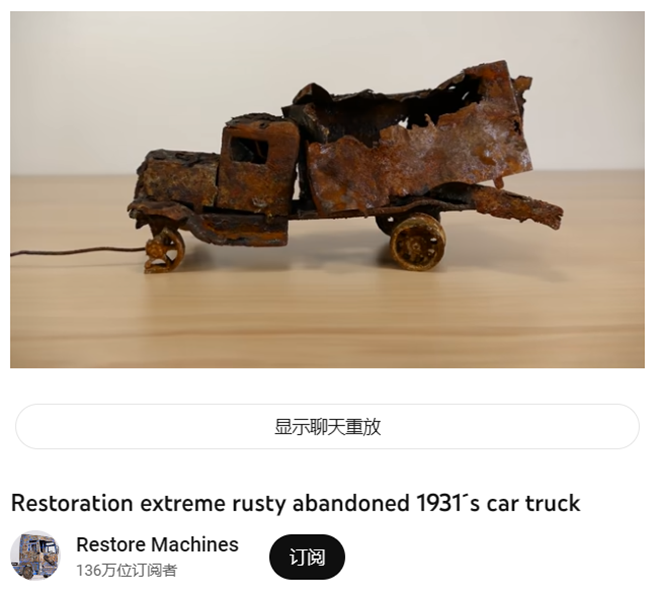
The game is mainly inspired by various waste restoration and various garbage salvage videos on the Internet. In these videos, the excavation and restoration of garbage is always accompanied by unknown surprises, so I made these contents into games. I hope players can experience these joys in the game.
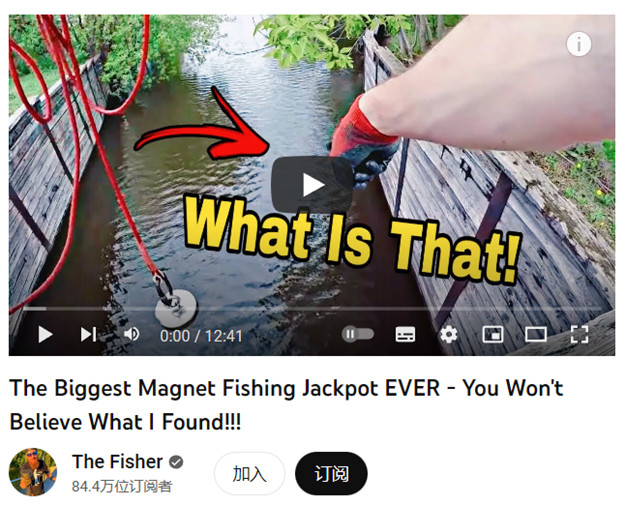
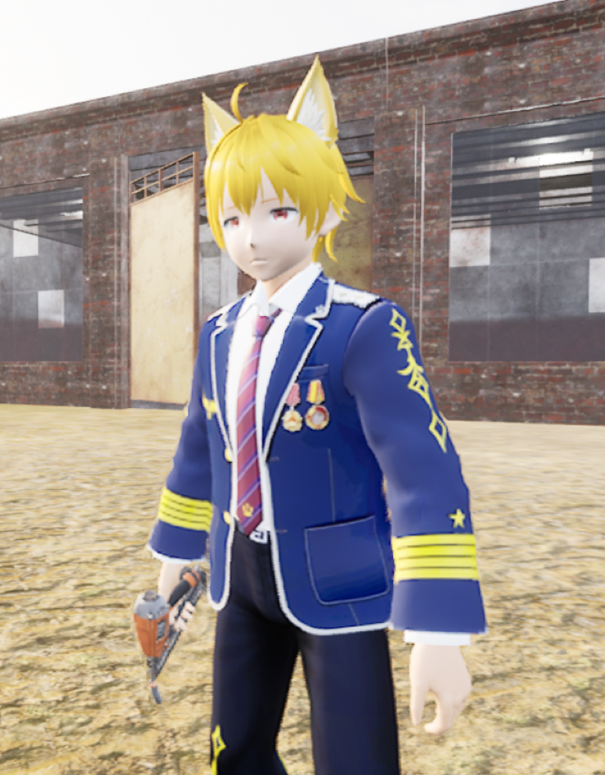
In the game, the player will play the role of a young man who came to Sandland City for the first time. Under the guidance of Uncle Ben who runs the garbage recycling station, he will complete various garbage restoration work. At the same time, with the help of a mysterious old man, various tools are obtained.
Game Mechanics
Tools you will use

Magnet
Using this tool will throw a magnet, and then rely on the magnetic force to attract metal and electronic waste around the magnet.
[Left mouse button]: Throw out magnet

Hook Rope
Use the hook to catch plastic garbage in the distance, or hook the high handle to make the character move quickly.
[Left mouse button]: Send up hook [Space]: Climbing

Garbage Pickaxe
The piles of garbage in the city can only be dug with the garbage pickaxe. Every time you dig, you will get a random garbage.
[Left mouse button]: Dig

Backpack
Where any item can be stored, the obtained garbage will also be automatically stored in the backpack.
[F]: Open Backpack
你会用到的设备

Repair Table
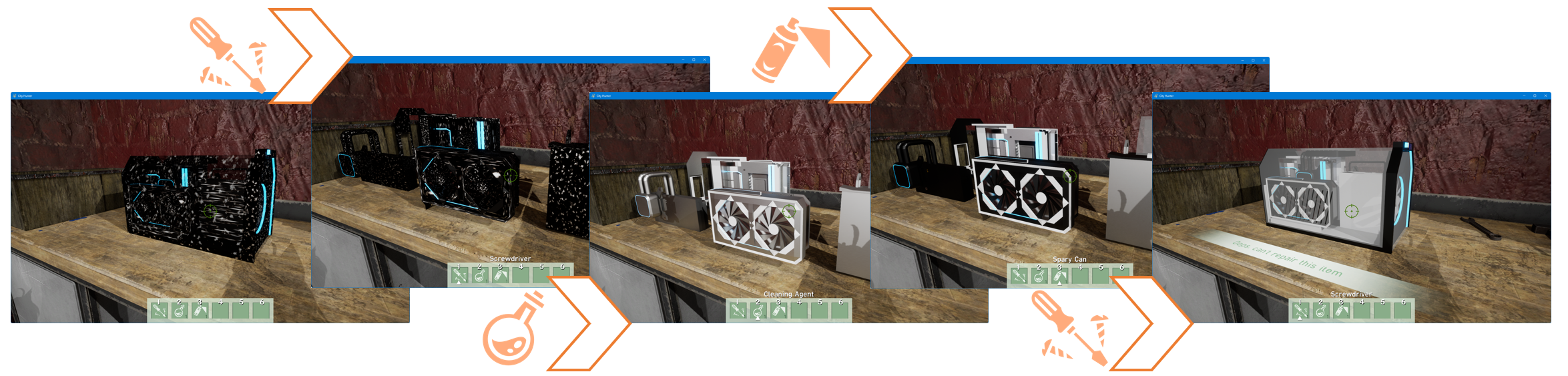
Use the repair table and three repair tools to complete the repair of the scrap.

Workbench
Tools need to be manufactured through the workbench after obtaining the corresponding manufacturing blueprint.

Garbage Recycling Machine
Through this machine, the excess garbage can be converted into raw materials for making tools.

Goods Shelf
After putting the repaired item in the shelf for a period of time, the item will be sold automatically for gold coins.

Storage Box
Can be used to store items.

Showcase
Can be used to display items and display item information.

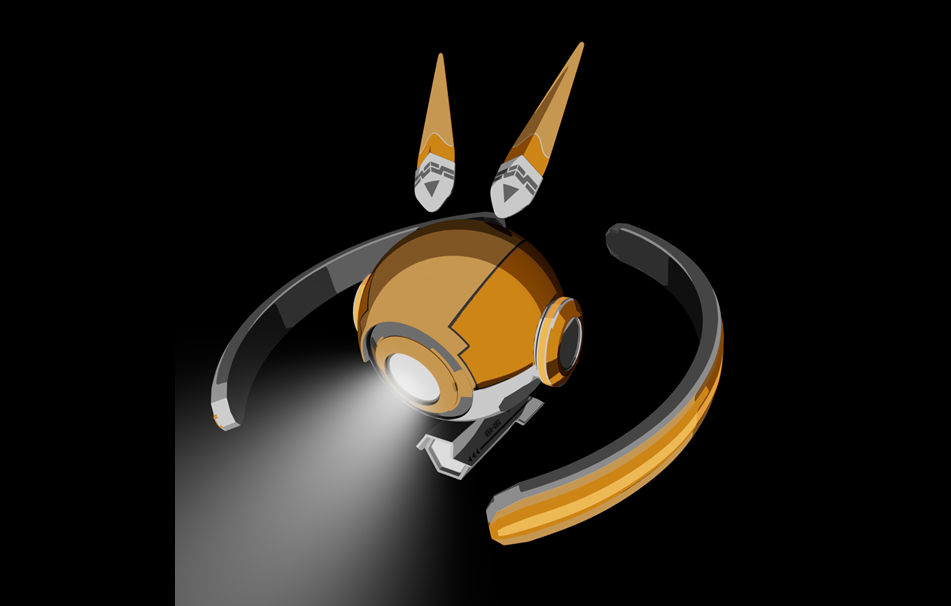
Explore Robot
The necessary equipment to enter the sewer, the player will control it to explore in the sewer.
Main Operation
Role Operation
[W][A][S][D] : Move
[Space] : Jump
[E] : Pick up, interact
[F] : Open backpack
[G] : Open task list
[M] : Open menu
[Q] : Drop or place items
[1][2][3][4][5][6] : Select toolbar item
Explore Robot Operation
[W][S] : Forward, backward
[Space] : Up
[Left Shift] : Dive
[C] : Disengage submersible
Repair Table
Press [E] to open the Repair Table, put in the waste to be repaired, and then press and hold the [Left mouse button] on the repair table with the repair tool in the following order.
Art design
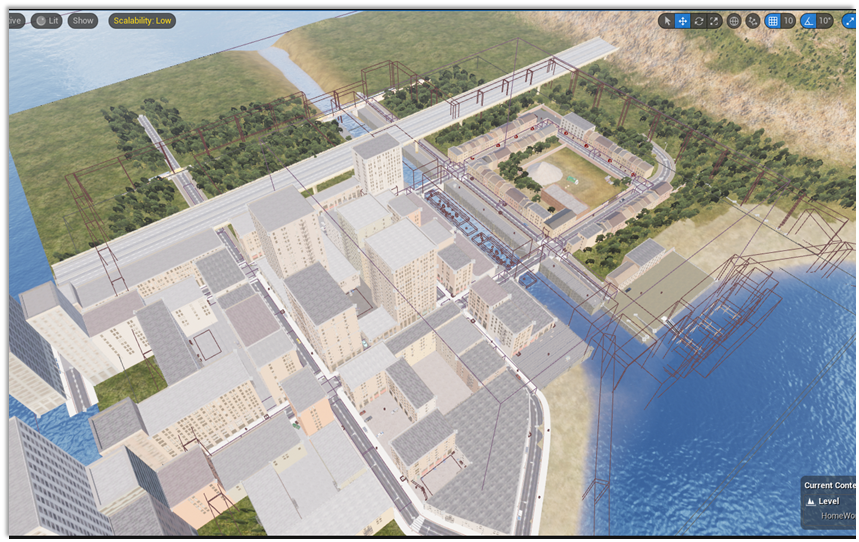
City scene design drawing
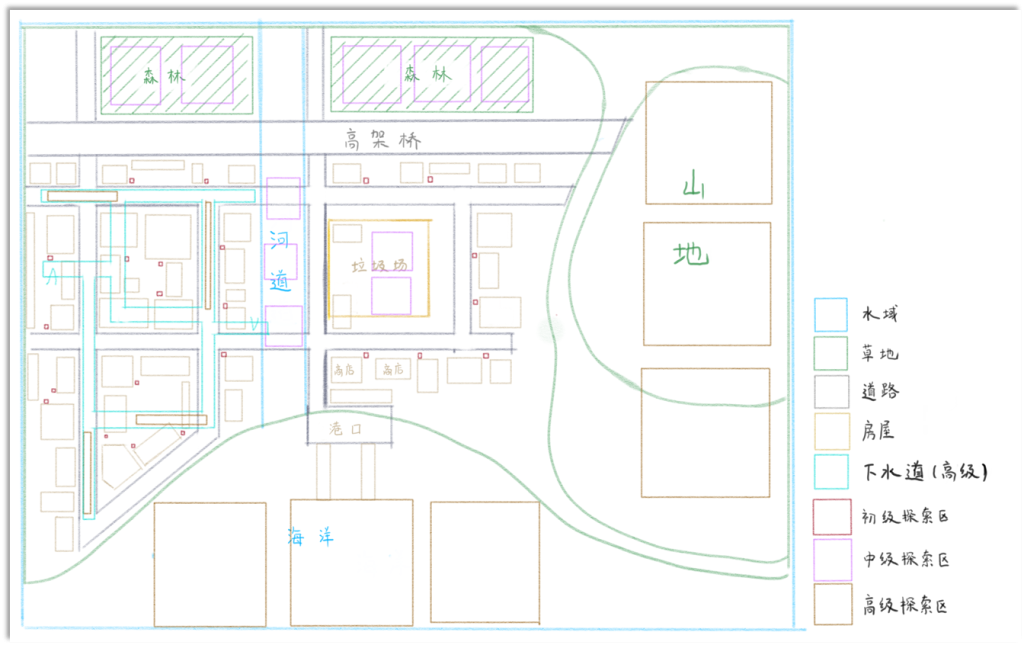
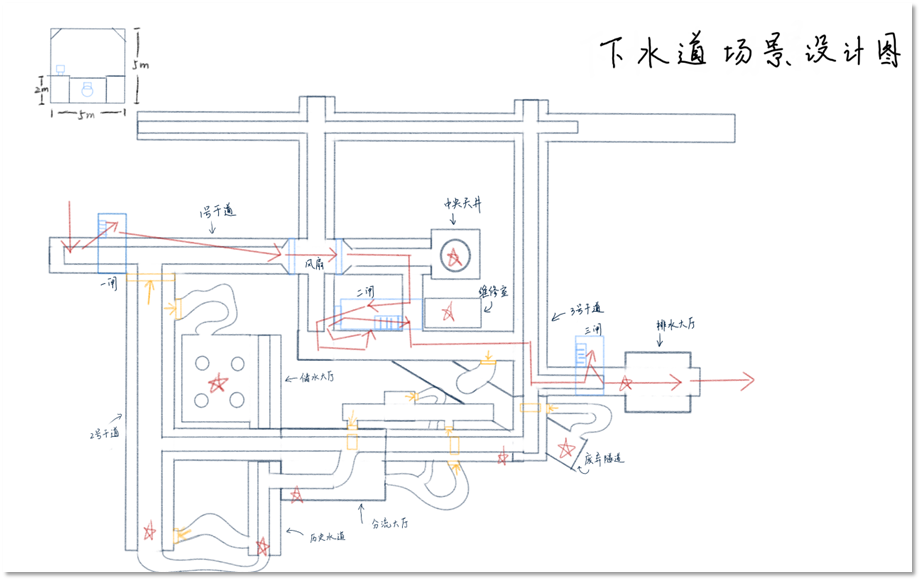
Sewer scene design drawing
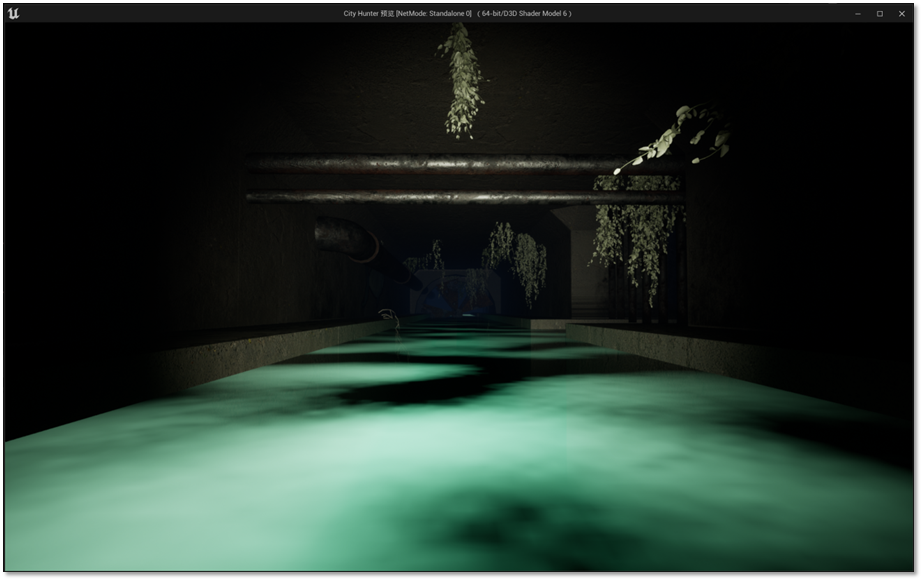
Items you can get after repair
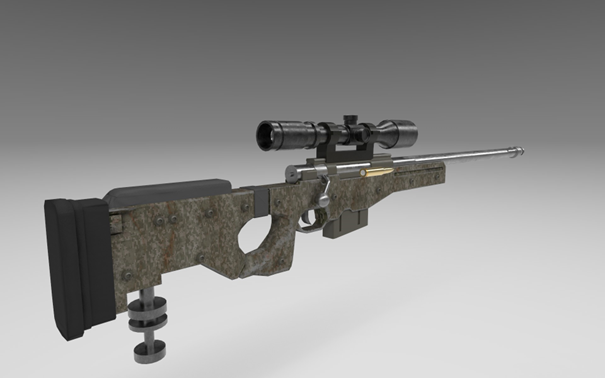
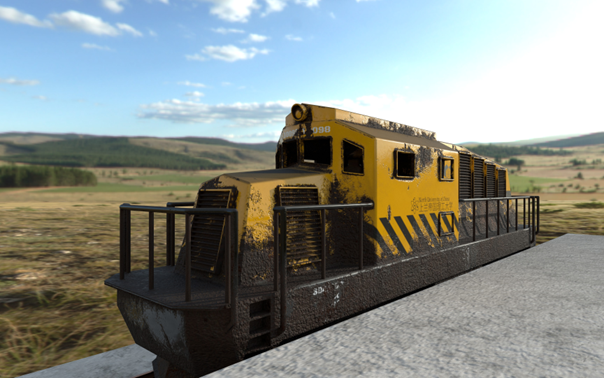
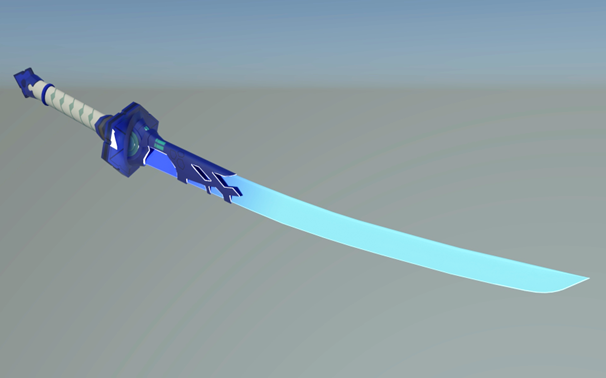
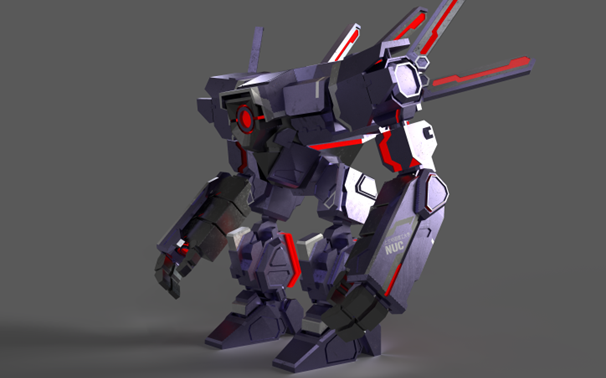
I selected the 6 most outstanding works from my previous modeling works as models for the restored items in the game. I believe this is the most important part of the game.